utctf-2020revjaivermapngPILpythonxxd
We are given a binary file.
$ xxd pic.png2 | head
00000000: 504e 4732 7769 6474 683d 05cf 6865 6967  PNG2width=..heig
00000010: 6874 3d02 887f 7f7f 7f7f 7f7f 7f7f 7f7f  ht=.............
00000020: 7f7f 7f7f 7f7f 7f7f 7f7f 7f7f 7f7f 7f7f  ................
00000030: 7f7f 7f7f 7f7f 7f7f 7f7f 7f7f 7f7f 7f7f  ................
00000040: 7f7f 7f7f 7f7f 7f7f 7f7f 7f7f 7f7f 7f7f  ................
00000050: 7f7f 7f7f 7f7f 7f7f 7f7f 7f7f 7f7f 7f7f  ................
00000060: 7f7f 7f7f 7f7f 7f7f 7f7f 7f7f 7f7f 7f7f  ................
00000070: 7f7f 7f7f 7f7f 7f7f 7f7f 7f7f 7f7f 7f7f  ................
00000080: 7f7f 7f7f 7f7f 7f7f 7f7f 7f7f 7f7f 7f7f  ................
00000090: 7f7f 7f7f 7f7f 7f7f 7f7f 7f7f 7f7f 7f7f  ................
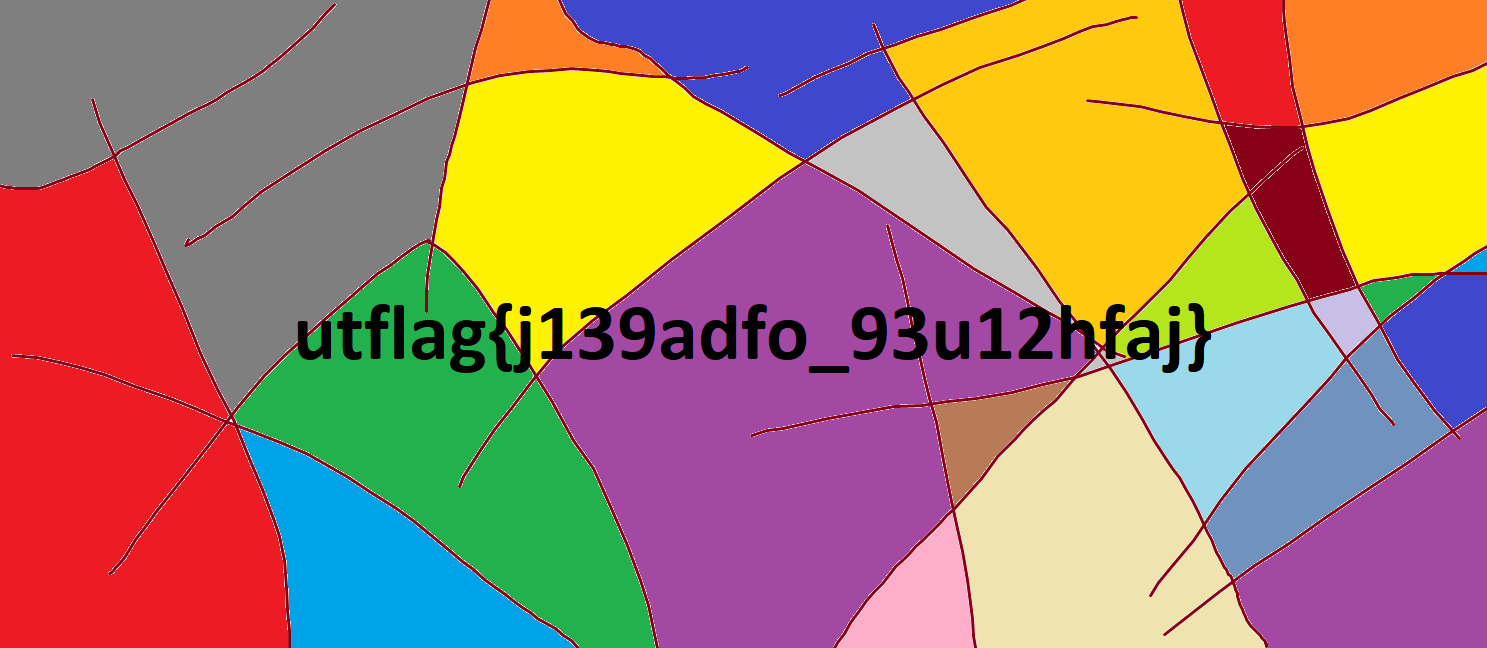
Reading the width and height as big endian uint16's and passing the pixel
data to PIL gives us the image.
Script is here.